Save time
Less manual work, more time for clients.
Organize contacts, interview notes, tasks and placement steps.
By starting, the terms of service and the privacy notice apply.
Less manual work, more time for clients.
Keep processes in one place.
At the office, on site or on the go.
Support for communication and organisation.
Recruitment is relationship work on two sides: candidates and clients. QCRM structures contacts, interview notes, tasks and placement steps so you know who stands where and when.
Yes. Contacts and companies can be linked and enriched with notes and tasks.
QCRM can be adapted to your industry. You can try the adjustments during the trial.
More industry solutions: Real estate agents · Property management · Dealerships & workshops · Trades & service businesses · Consultants & service providers · Insurance & financial brokers · Agencies & marketing services
Record a candidate contact, schedule an interview and assign the next step.

Explore an illustrative scenario, not a measured or guaranteed QCRM result.
Access QCRM in your browser on desktop, laptop, tablet or smartphone. Features may vary by device.
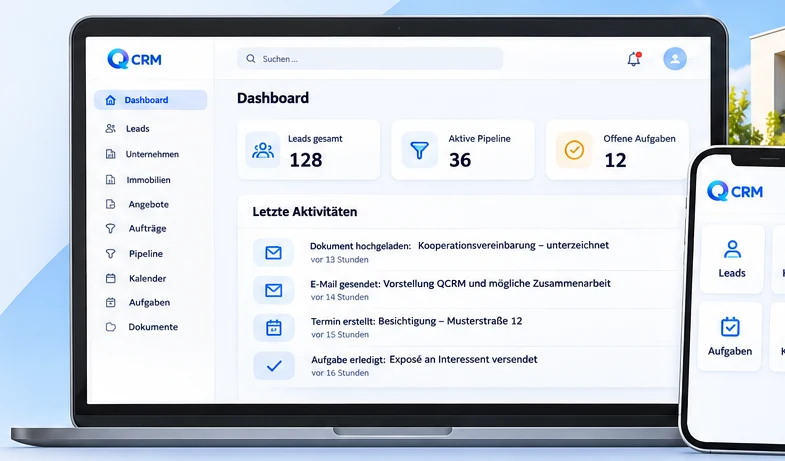
Less manual work, more time for clients.
Keep processes in one place.
At the office, on site or on the go.
Support for communication and organisation.
Omnesto is a separate optional service, not included in a QCRM subscription.
Try QCRM free for seven days.